Failed to detect Zivid calibration board
Problem
Zivid SDK는 Hand-Eye Calibration 또는 Infield Correction/Verification 중에 체커보드를 감지할 수 없습니다.
Possible causes and solutions
When using the Zivid calibration board, the fiducial/ArUco marker must be visible in the image. Otherwise, the checkerboard detection will fail when performing infield correction or hand-eye calibration. We recommend using the Zivid calibration board, since it is a qualified product. Support for the older 9x6 grey-white checkerboards, which had no fiducial marker and so had no such requirement, was removed in SDK 2.14.
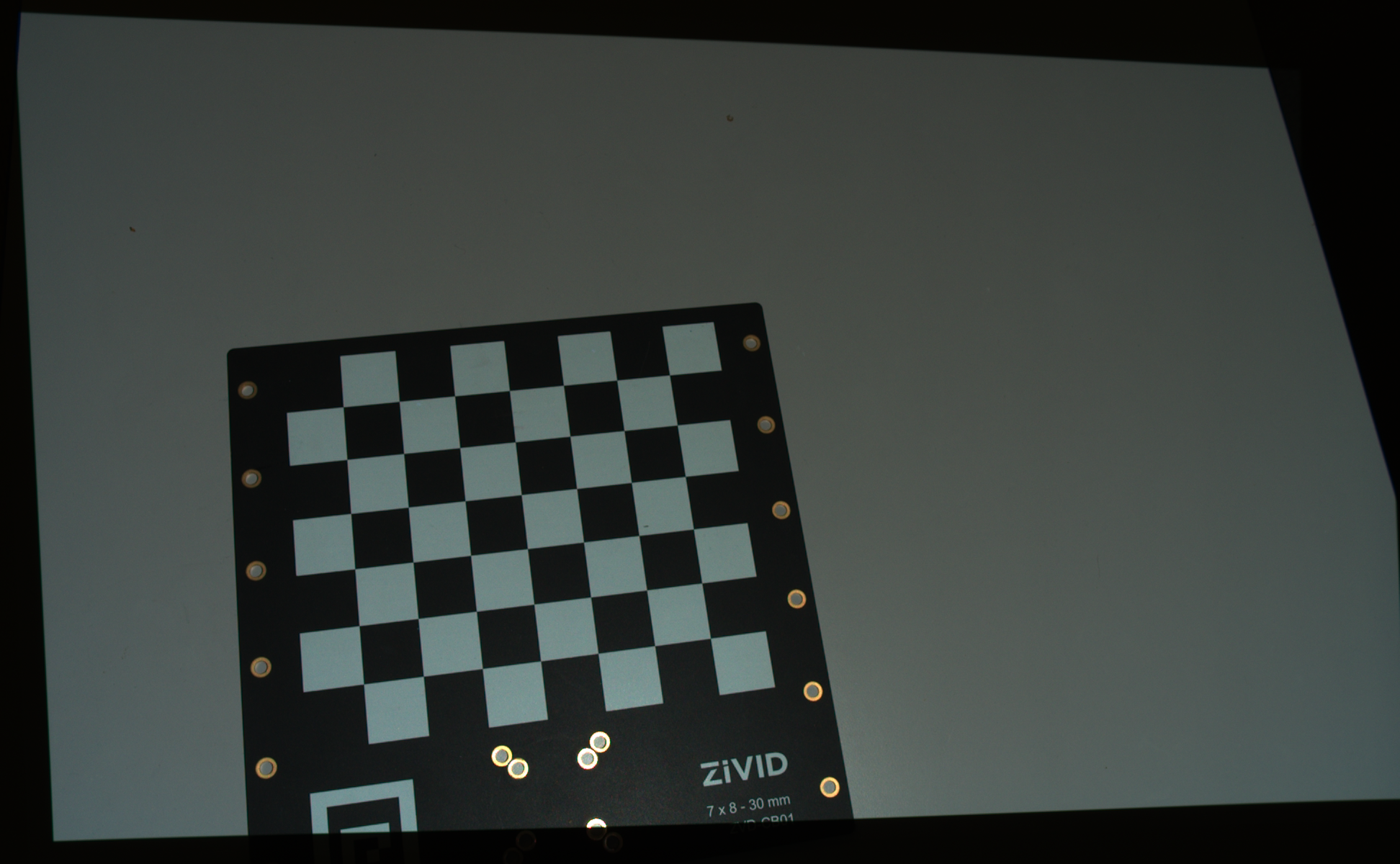 보이지 않는 기준 마커
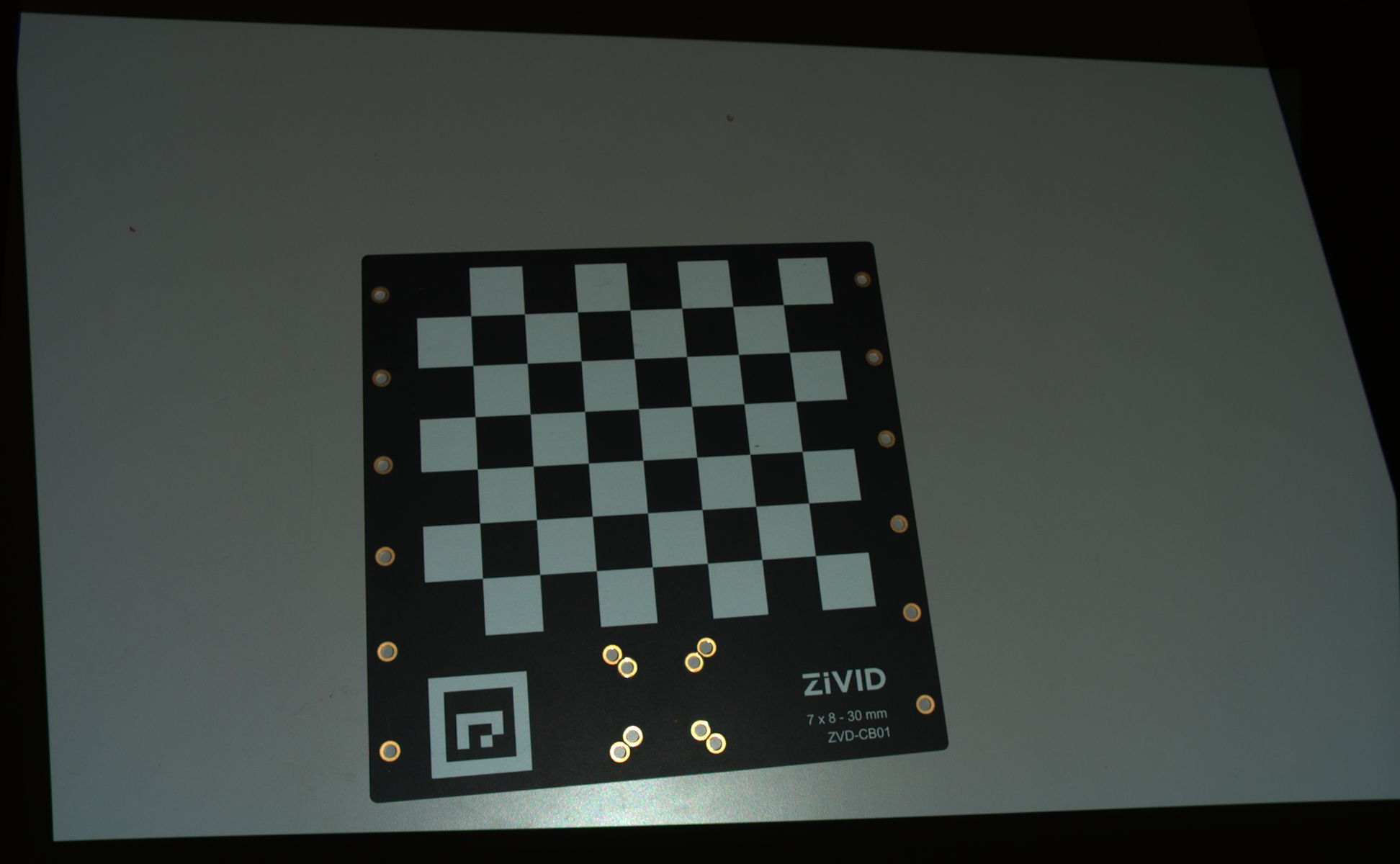 눈에 보이는 기준 마커
팁
Zivid Studio를 사용하여 캡처한 포인트 클라우드가 양호한지 검사합니다.
Note that the SDK does not throw an error if the function is not able to detect any feature points.
It will instead return an empty list.
The reasoning is that not finding a checkerboard in a point cloud is considered a normal failure and not an (exceptional) error.
Therefore, we recommend validating the detection result after capturing using Calibration::DetectionResult::valid().
The code below illustrates how to implement this in a program.

const auto detectionResult = Zivid::Calibration::detectCalibrationBoard(frame);

if(detectionResult.valid())
{
    std::cout << "Calibration board detected " << std::endl;
    handEyeInput.emplace_back(robotPose, detectionResult);
    currentPoseId++;
}
else
{
    std::cout << "Failed to detect calibration board. " << detectionResult.statusDescription() << std::endl;
}
using (var frame = camera.Capture2D3D(settings))
{
    var detectionResult = Detector.DetectCalibrationBoard(frame);

    if (detectionResult.Valid())
    {
        Console.WriteLine("Calibration board detected");
        handEyeInput.Add(new HandEyeInput(robotPose, detectionResult));
        ++currentPoseId;
    }
    else
    {
        Console.WriteLine("Failed to detect calibration board, ensure that the entire board is in the view of the camera");
    }
}
detection_result = zivid.calibration.detect_calibration_board(frame)

if detection_result.valid():
    print("Calibration board detected")
    hand_eye_input.append(zivid.calibration.HandEyeInput(robot_pose, detection_result))
    current_pose_id += 1
else:
    print(f"Failed to detect calibration board. {detection_result.status_description()}")