条形码检测
备注
此 API 需要有效的 软件许可证 。
条形码检测 API 允许您检测和解码 2D 图像中的条形码。
条形码是一种可视的、机器可读的数据表示形式,通常由平行线、空白区域或特定形状组成的图案来编码信息,例如产品编号。Zivid SDK 支持以下线性(一维)和矩阵(二维)条形码格式:
线性条码:EAN-13、EAN-8、Code 128、Code 93、Code 39、UPC-A [1]、UPC-E、ITF
矩阵:QR Code, Data Matrix
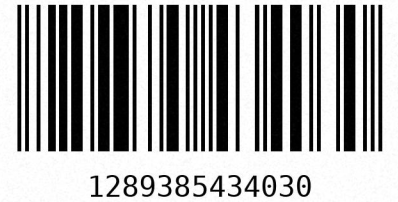
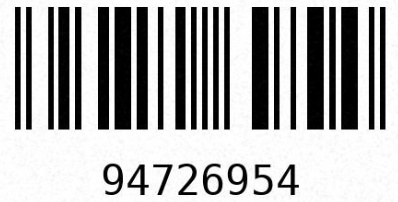
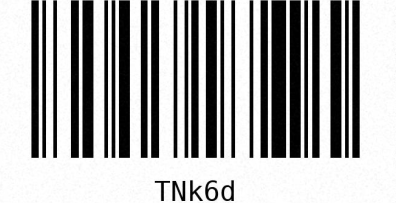
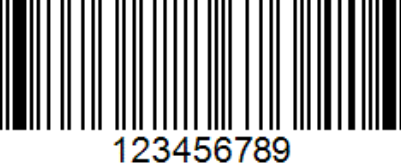
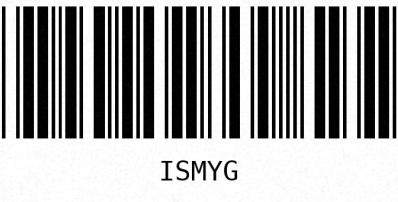
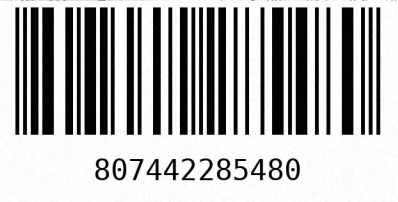
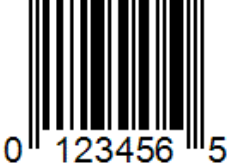
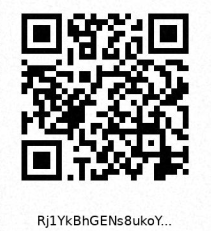
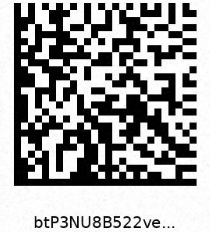
支持的条形码格式示例。
条形码有多种尺寸,其中最小条形或间距的宽度是主要的尺寸参数。这个最小特征被称为*模块尺寸*(或 X 尺寸),通常以密尔(mil)表示,1 密尔等于 1/1000 英寸(0.0254 毫米)。例如,标准零售用的一维条形码通常在 7 mil(0.178 毫米)到 13 mil(0.330 毫米)之间。较小的条形码需要更高的分辨率才能被可靠地检测和解码。
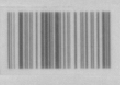 8 mil
8 mil
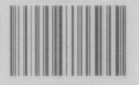 10 mil
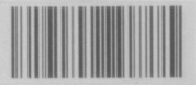 12 mil
从相同距离拍摄的不同尺寸的 Code 128 条形码示例。
条形码检测 API
首先初始化条形码检测器。请注意,此操作只需执行一次,无需 在每次采集数据时都执行。
然后指定要检测哪些受支持的条形码格式,而不是检测所有格式。这将加快检测速度并提高解码的可靠性。在本例中,为了简单起见,我们概括地选择了所有受支持的格式。

// Select your specific barcode formats for optimal performance
const auto linearFormatFilter = LinearBarcodeFormat::code128 | LinearBarcodeFormat::code93
                                | LinearBarcodeFormat::code39 | LinearBarcodeFormat::ean13
                                | LinearBarcodeFormat::ean8 | LinearBarcodeFormat::upcA
                                | LinearBarcodeFormat::upcE | LinearBarcodeFormat::itf;
const auto matrixFormatFilter = MatrixBarcodeFormat::qrcode | MatrixBarcodeFormat::dataMatrix;
# Select your specific barcode formats for optimal performance
linear_format_filter = {
    LinearBarcodeFormat.code128,
    LinearBarcodeFormat.code93,
    LinearBarcodeFormat.code39,
    LinearBarcodeFormat.ean13,
    LinearBarcodeFormat.ean8,
    LinearBarcodeFormat.upcA,
    LinearBarcodeFormat.upcE,
    LinearBarcodeFormat.itf,
}
matrix_format_filter = {MatrixBarcodeFormat.qrcode, MatrixBarcodeFormat.dataMatrix}
成功检测和解码条形码很大程度上取决于清晰且曝光良好的 2D 图像。请使用条形码检测器建议的 2D 设置,并捕获 2D frame。
线性条码的检测和解码分为两个步骤。检测阶段会在图像中识别可能包含条形码的候选区域。由于此时还未进行解码,候选列表中可能包含误检,即那些看起来像条形码但实际并非条形码的区域。解码阶段则从每个候选区域中读取实际编码。如果某个候选区域无法被解码,则对应的结果为空。
备注
如果需要更简单的一次调用方案,可以使用 readLinearCodes,它将检测和解码合并为一次函数调用。两阶段方案则可以让您在解码之前显式访问候选区域及其边界框。
检测线性条码候选区域:
然后对检测到的候选区域进行解码:
打印候选区域及其对应的解码结果。每个检测候选区域都会暴露其边界框,每个解码结果则会暴露其代码、格式及各自的边界框:
if(!detectionResults.empty())
{
    std::cout << "Detected " << detectionResults.size() << " linear barcode candidates:" << std::endl;
    for(size_t i = 0; i < detectionResults.size(); ++i)
    {
        std::cout << "-- Candidate " << (i + 1) << ":" << std::endl;
        std::cout << "   Bounding box: " << detectionResults[i].boundingBox() << std::endl;
        const auto &decodingResult = decodingResults[i];
        if(decodingResult.has_value())
        {
            const auto &decoded = decodingResult.value();
            std::cout << "   Code:         " << decoded.code() << std::endl;
            std::cout << "   Format:       " << toString(decoded.codeFormat()) << std::endl;
            std::cout << "   Bounding box: " << decoded.boundingBox() << std::endl;
        }
        else
        {
            std::cout << "   Failed to decode" << std::endl;
        }
    }
}
else
{
    std::cout << "No linear barcode candidates detected" << std::endl;
}
if detection_results:
    print(f"Detected {len(detection_results)} linear barcode candidates:")
    for i, (candidate, decoded) in enumerate(zip(detection_results, decoding_results, strict=False)):
        print(f"-- Candidate {i + 1}:")
        print(f"   Bounding box: {candidate.bounding_box()}")
        if decoded is not None:
            print(f"   Code:         {decoded.code()}")
            print(f"   Format:       {decoded.code_format()}")
            print(f"   Bounding box: {decoded.bounding_box()}")
        else:
            print("   Failed to decode")
else:
    print("No linear barcode candidates detected")
矩阵条形码没有两阶段 API。使用 readMatrixCodes 可以在一次调用中完成检测和解码:
打印解码后的矩阵条形码及其边界框:
if(!matrixBarcodeResults.empty())
{
    std::cout << "Detected " << matrixBarcodeResults.size() << " matrix barcodes:" << std::endl;
    for(const auto &result : matrixBarcodeResults)
    {
        std::cout << "-- Code:         " << result.code() << std::endl;
        std::cout << "   Format:       " << toString(result.codeFormat()) << std::endl;
        std::cout << "   Bounding box: " << result.boundingBox() << std::endl;
    }
}
else
{
    std::cout << "No matrix barcodes detected" << std::endl;
}
if matrix_barcode_results:
    print(f"Detected {len(matrix_barcode_results)} matrix barcodes:")
    for result in matrix_barcode_results:
        print(f"-- Code:         {result.code()}")
        print(f"   Format:       {result.code_format()}")
        print(f"   Bounding box: {result.bounding_box()}")
else:
    print("No matrix barcodes detected")
Zivid Studio 中的条形码检测
小技巧
Zivid Studio 中的条形码检测功能*不需要*软件许可证。
您可以使用 Zivid Studio 轻松测试条形码检测。连接相机,选择条形码预设,对包含条形码的场景进行 2D 图像捕获。然后点击 View → Show barcodes 即可在图像中可视化解码后的条形码。
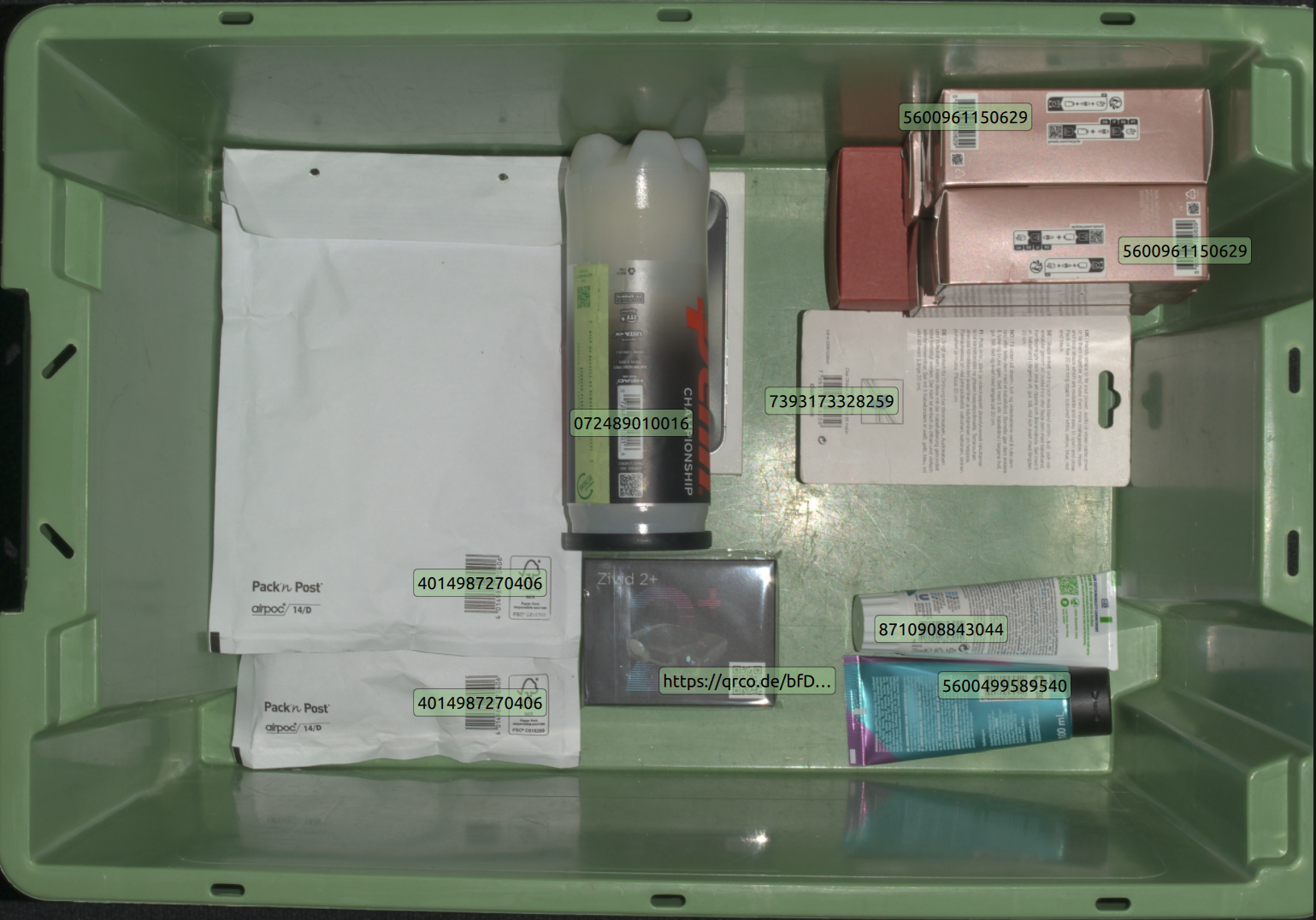
在 Zivid Studio 中可视化检测到的条形码。
您可以通过在 View → Configure barcodes to detect 中选择特定的条形码格式来加快检测速度。
条形码检测性能
检测和解码的性能取决于多种因素,包括:
条形码尺寸
到条形码的距离
图像分辨率
图像聚焦
水平和垂直视野
这些因素有效地决定了条形码表面的空间分辨率,而空间分辨率对于可靠的检测和解码至关重要。
图像分辨率和对焦可通过相机设置进行控制,我们建议使用 BarcodeDetector::suggestSettings(camera) 以获得最佳拍摄设置。每款相机的水平和垂直视野 (FOV) 都是固定的,视野越大,空间分辨率越低。条形码的拍摄距离可在一定限制条件下由应用程序控制,但同时也受相机工作范围的限制。
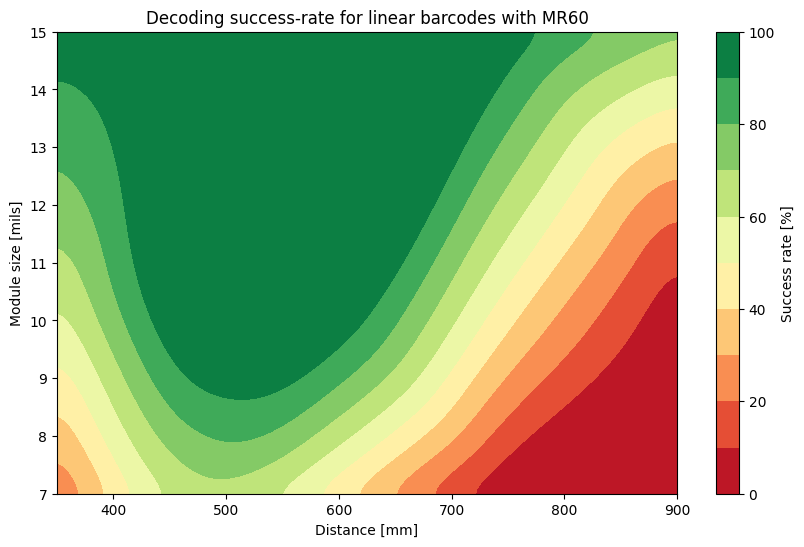
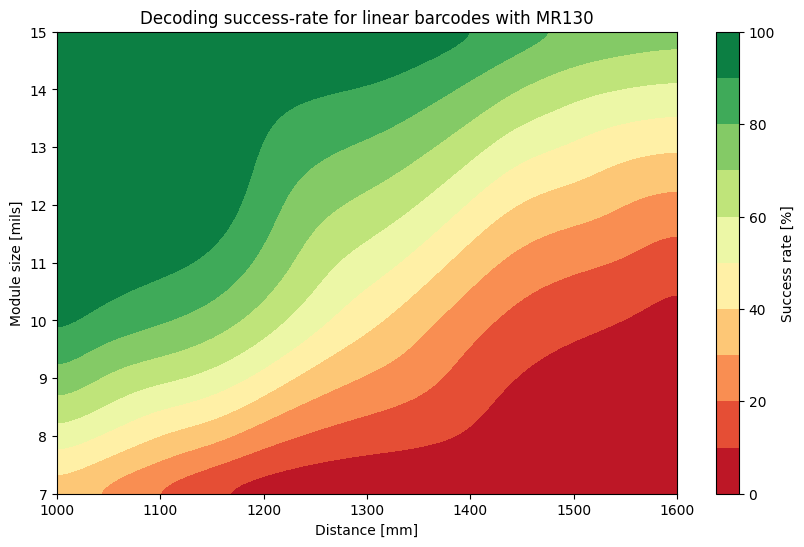
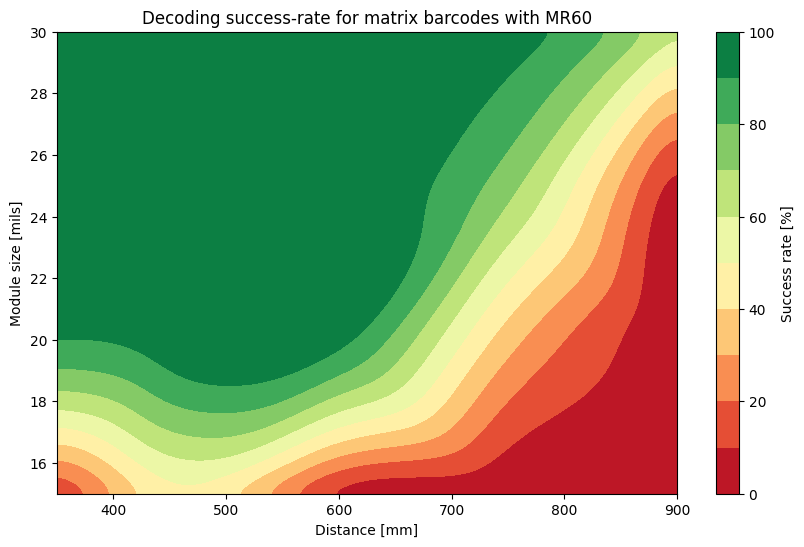
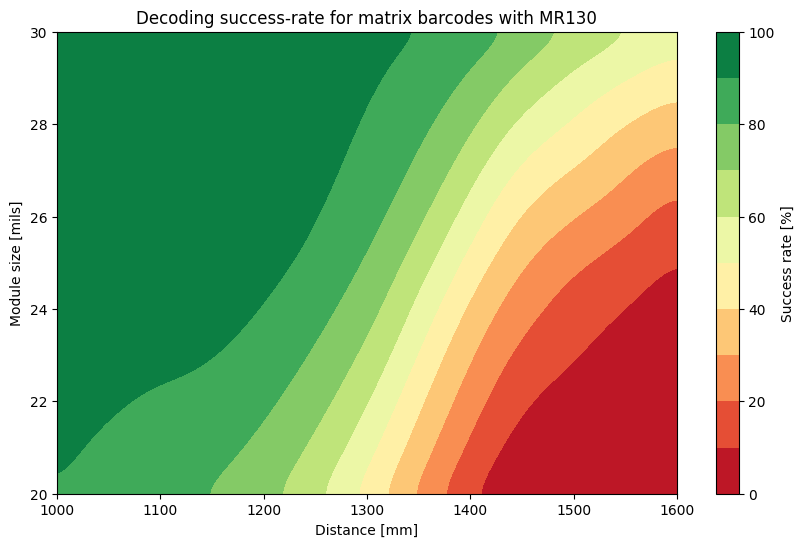
因此,我们推荐使用相机 Zivid 2+ MR130 和 MR60 用于条形码检测,因为它们在其工作范围内能够提供足够的空间分辨率。以下是针对不同距离、方向和视场内位置的各种静态条形码的基准测试结果。
小技巧
为了获得可靠的解码结果,请在绿色区域内操作。
版本历史记录
SDK |
变更 |
|---|---|
2.18.0 |
线性条码的检测和解码现已拆分为两个步骤。 |
2.17.0 |
新增了条形码检测 API |