Over-smoothed surfaces/corners and “wing” artifacts on edges in the Point Cloud
Problem
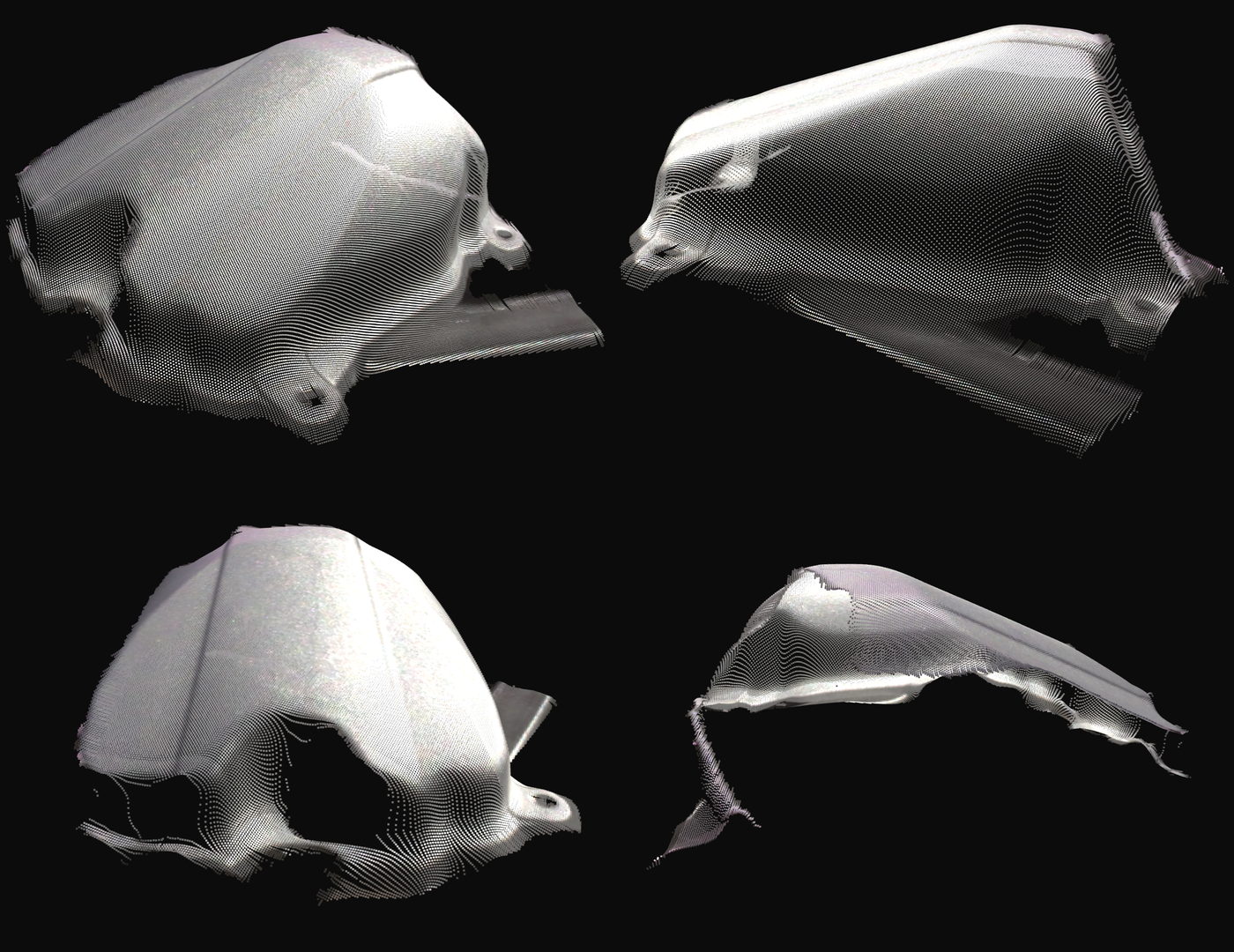
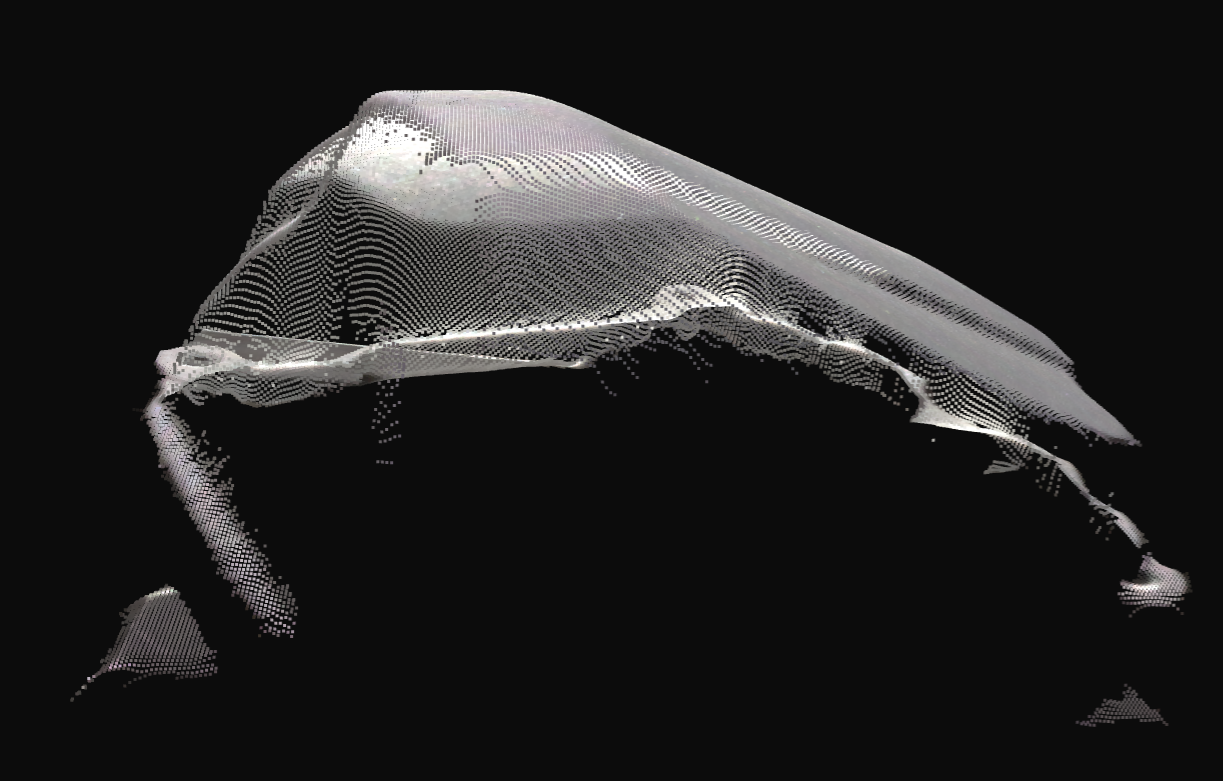
Edge and shape geometry in the point cloud are important for algorithms such as Stitching and CAD matching. However, the point clouds look over-smoothed, with thin fin-like outliers (“wing” artifacts) extending from edges into free space. These artifacts can also be described as phantom points, spikes, or stray points near object edges.
Potential Solutions
Tuning acquisition settings
Aperture: If the camera supports aperture/f-number settings, try reducing it (higher f-number) to reduce the “wing” artifacts. Compensate by increasing the exposure time.
Tuning filters
Configure specific filters to prioritize edge sharpness and realistic surface geometry. This works especially well for stitched multi-view captures, where aggressively trimmed edge points in one point cloud are often recovered in others.
Value |
Why |
|
|---|---|---|
|
|
Removes more outliers near edges, often “wing” artifacts. |
|
|
Keeps small but legitimate surface patches. |
Value |
Why |
|
|---|---|---|
|
|
No correction needed if there is no contrast distortion; keeping the filter enabled still smooths the surface noise. |
|
|
Trims the very ends of edges, often “wing” artifacts. |
Tip
If you do not plan to stitch multiple captures, lower Removal → Threshold to 0.3-0.5 to preserve more edge geometry.
The 0.6 value assumes missing edge points will be recovered from another viewpoint.
Value |
Why |
|
|---|---|---|
|
|
Trims more high-uncertainty points, typically “wing” artifacts on edges. |
|
|
Common source of edge “wing” artifacts. |
Value |
Why |
|
|---|---|---|
|
|
Small sigma to preserve shape geometry while still smoothing the surface noise. |
Note
Most scenes need some smoothing to reduce surface noise.
Contrast Distortion smooths surfaces even with Correction → Strength = 0, so adding Gaussian → Sigma = 0.5 is mostly redundant.
The example keeps Gaussian Smoothing enabled as a safety margin, but you can usually disable it with little visible change.
Another option is to disable Contrast Distortion Correction and set Gaussian → Sigma between 0.5 and 1.
You can also disable both and use Noise Suppression, but that can re-introduce wing artifacts, so re-check the full chain after any change.
Value |
Why |
|
|---|---|---|
|
|
Repairs the smallest holes left by the previous aggressive filters. |
|
|
Limits repair to very small holes only. |
|
|
Only repairs when surrounding evidence is strong. |
Filters not listed are left at their defaults.
Example
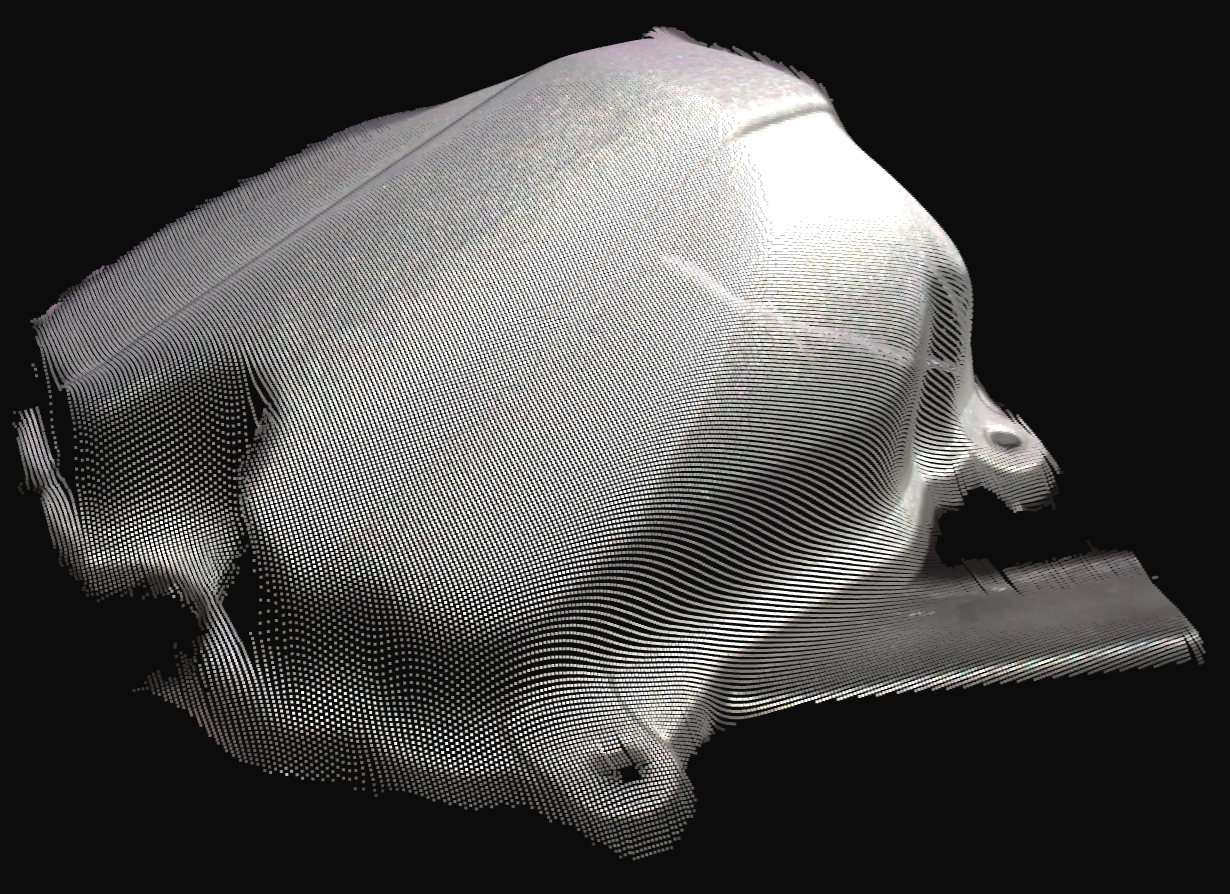
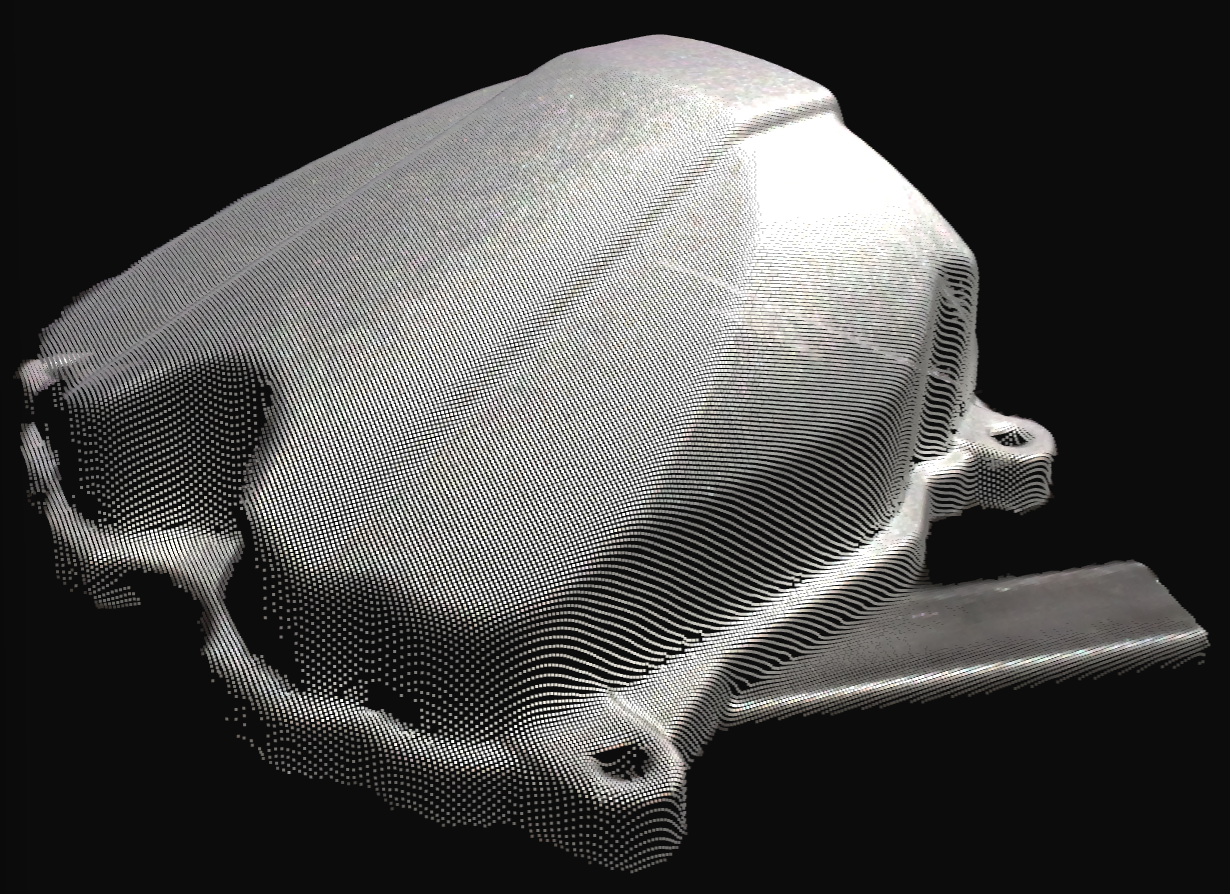
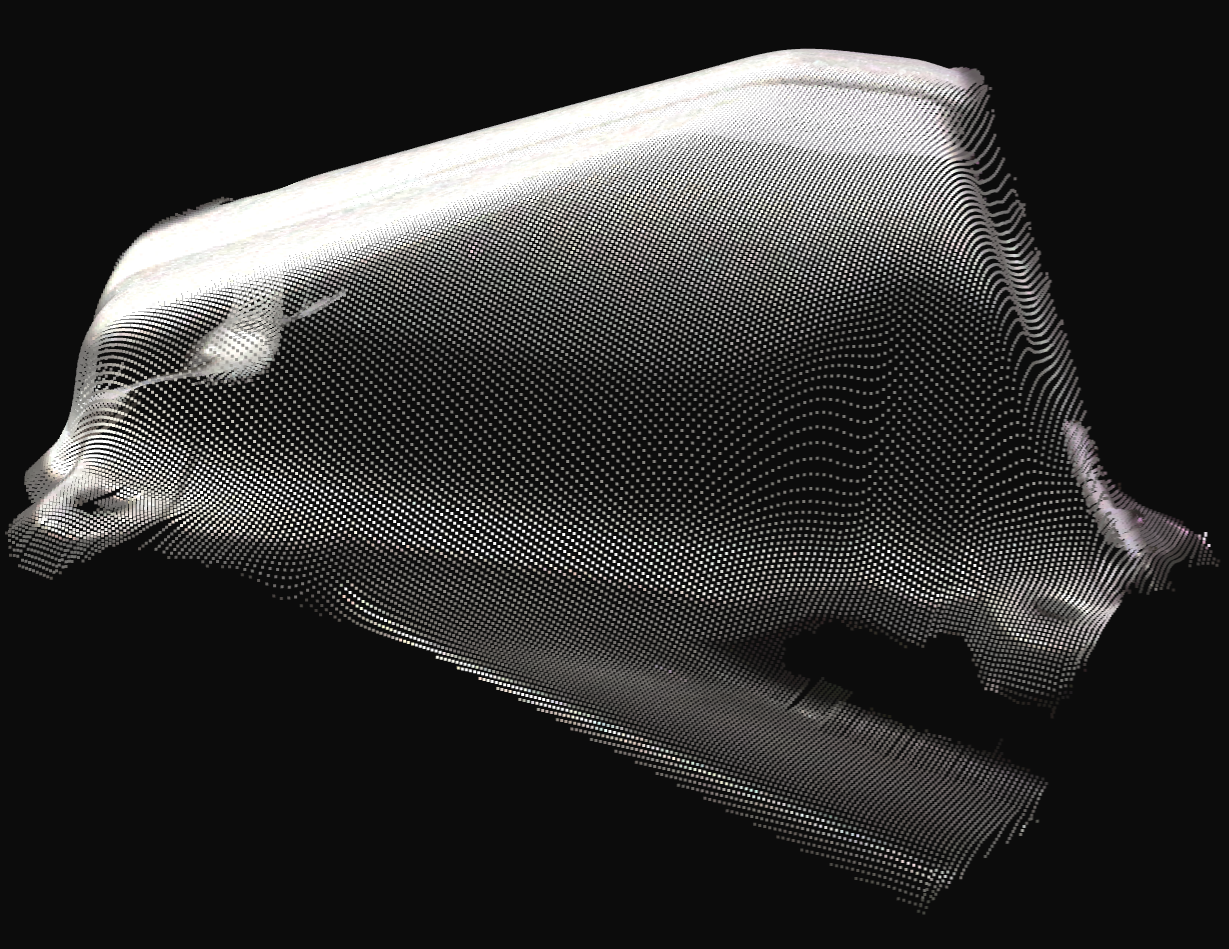
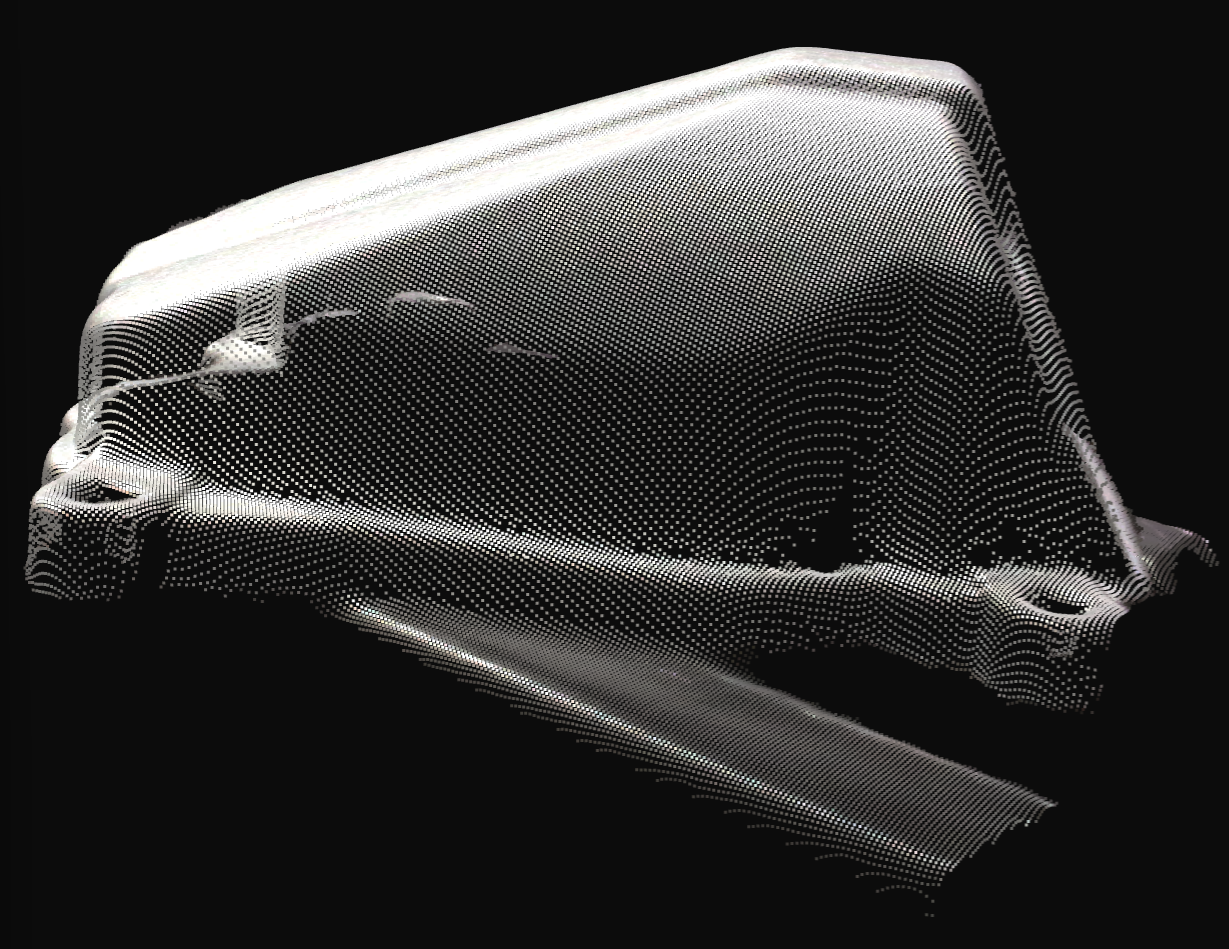
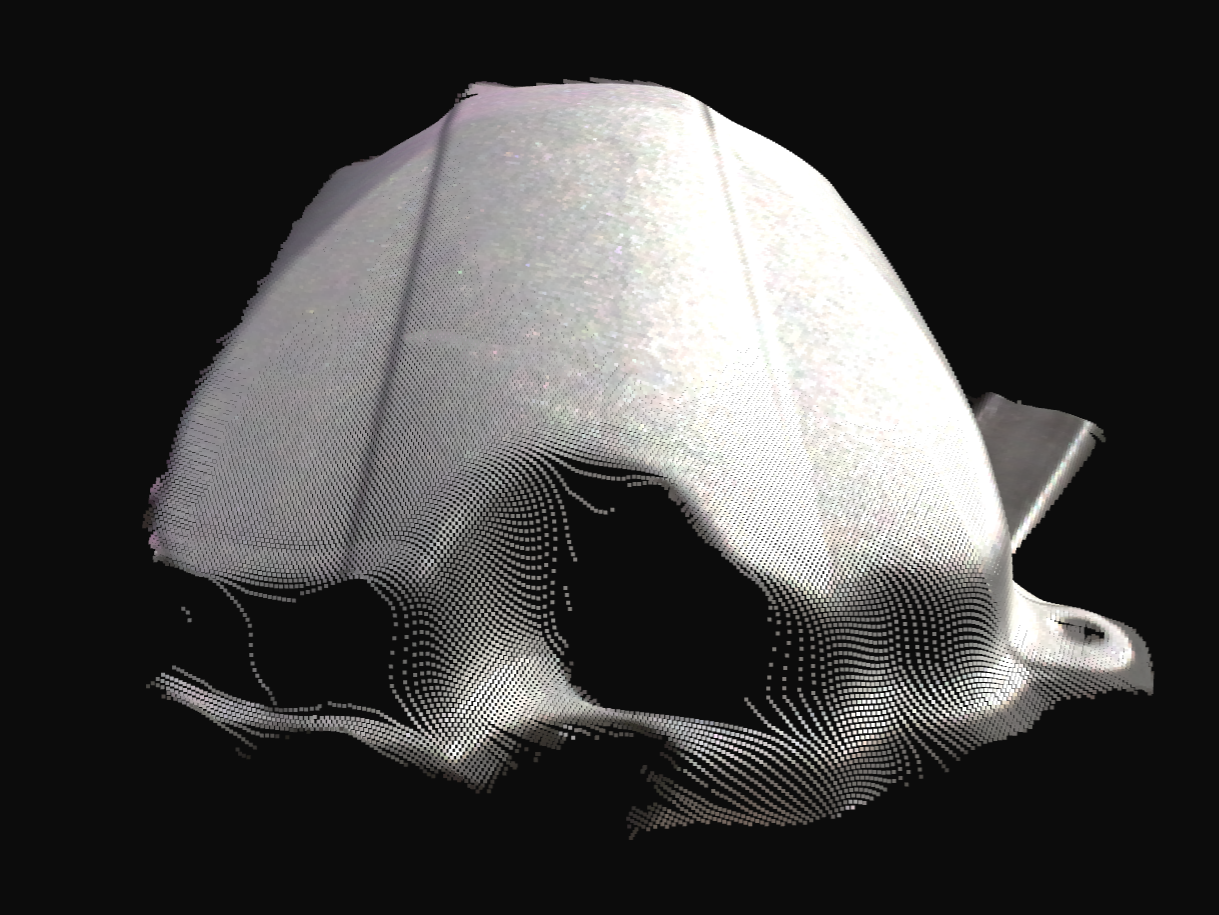
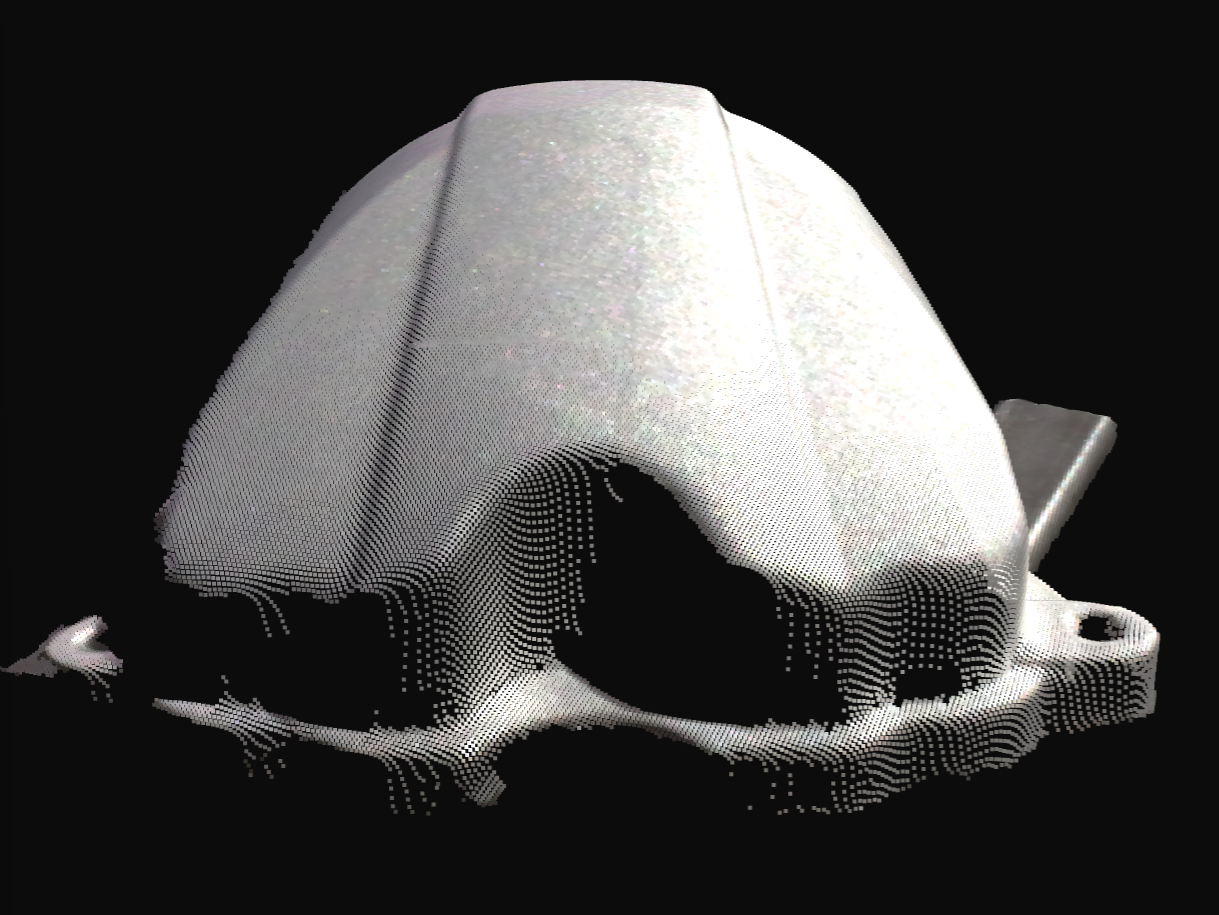
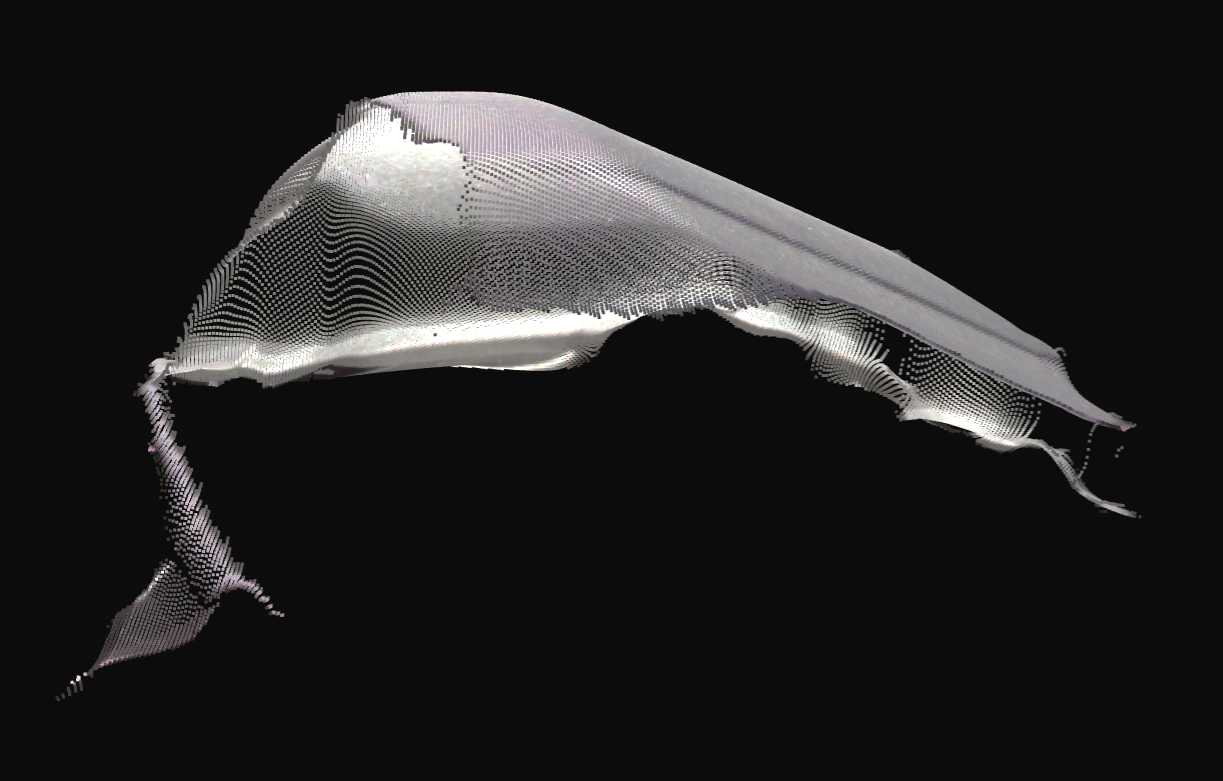
In each pair below, the left images show the initial settings (over-smoothed surfaces and corners and edges with wing artifacts). The right images show the tuned settings using the recommendations above (correct shapes and sharp edges).
Trade-offs
This tuning intentionally removes more edge points than the defaults. Expect slightly more missing data at edges, some loss of sub-millimeter features, and better overall edge fidelity.
Warning
Filters interact between each other. For example, enabling Noise Suppression can re-introduce wings even if everything else is tuned. Re-check the whole chain after any individual change.