2D 色彩空间、镜头畸变和输出格式
Zivid 相机可以将颜色信息作为 3D 数据的一部分输出,也可以单独作为 2D 图像输出。不同的相机型号使用不同分辨率的传感器来捕获场景的 2D 图像。每个相机型号的分辨率如下所示。
相机 |
百万像素 (MP) |
分辨率 |
|---|---|---|
Zivid 3 |
8 |
2816 x 2816 |
Zivid 2+ |
5 |
2448 x 2048 |
Zivid 2 |
2.3 |
1944 x 1200 |
色彩空间
色彩空间定义了如何解释和表示图像中的颜色值。图像的色彩空间将影响图像在人眼中的外观以及设备如何解释和显示图像。Zivid SDK 支持以下两种 2D 数据的色空间:
- sRGB:
确保在显示器和打印机等设备之间实现一致的色彩再现。
大多数消费电子产品和互联网的默认设置。
适用于图像分类和对象检测等机器学习任务,因为预训练模型是在 sRGB 图像上训练的。
包括了伽马校正(2.2),使强度值变为非线性。
- Linear RGB:
无伽马校正;强度值与光强度成正比。
适用于精确的颜色处理和物理建模。
在传统图像处理和计算机视觉中很常见。
主要区别在于强度值的编码方式。请根据您的应用需求进行选择:
sRGB:用于 ML 模型,显示和交换图像。
Linear RGB:用于传统图像处理。
Zivid Studio 中的 2D 视图使用了 sRGB 颜色空间来显示颜色信息,但您可以决定将数据保存为哪种颜色空间的格式。
备注
Zivid Studio 以 sRGB 格式显示颜色。给定像素的直方图和 RGB 颜色通道值显示在线性色彩空间中。
下面您可以看到存储为 sRGB 和线性 RGB 的相同图像。请注意,显示器通常期望 sRGB 空间中的图像,并且在解释图像进行显示之前会进行逆伽玛校正。这将使线性 RGB 图像在显示器上显示时看起来比实际颜色更暗。因此,我们建议用户在手动评估 2D 数据质量时查看 sRGB 色彩空间中的 2D 数据。
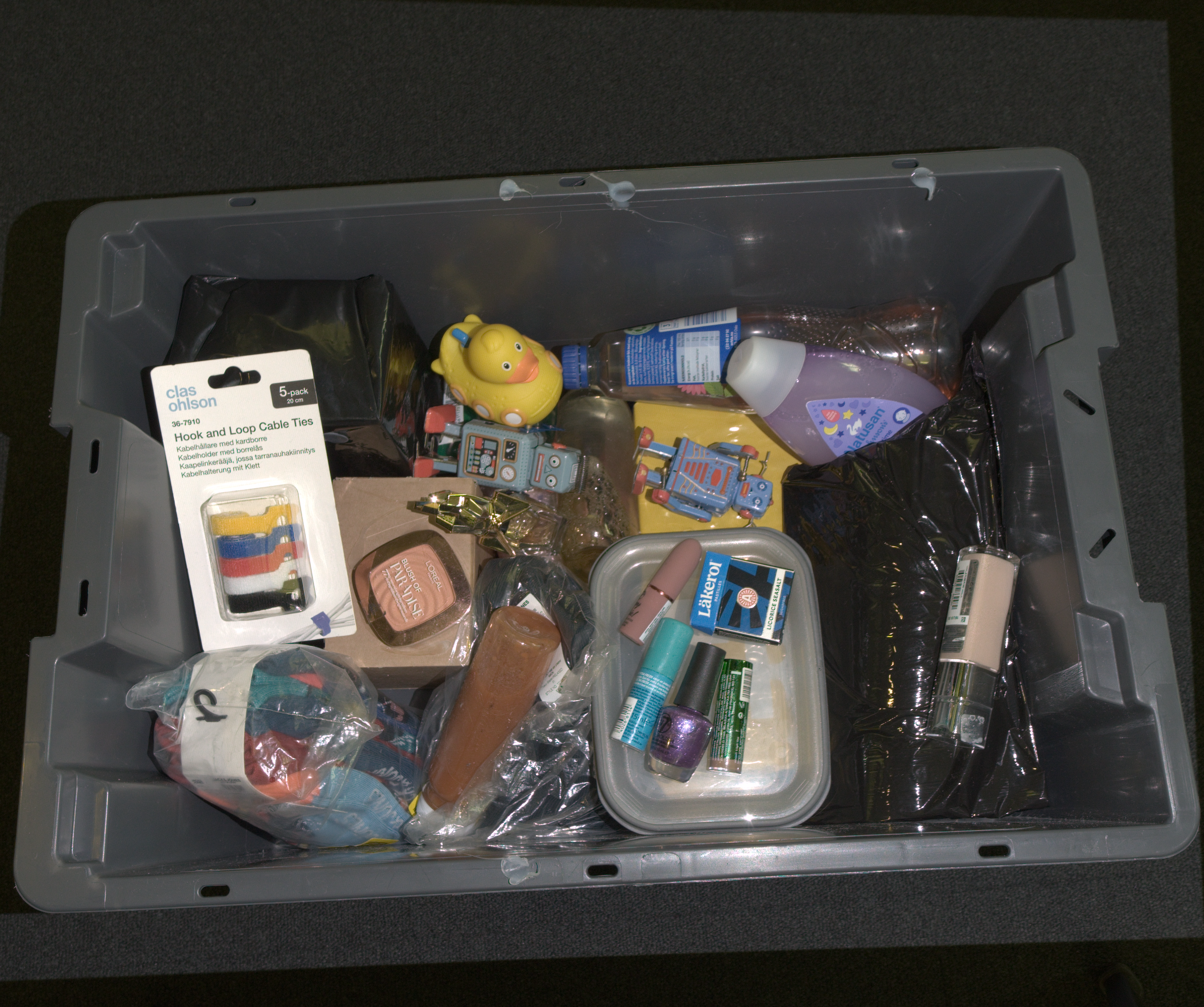 sRGB 空间中表征的颜色。
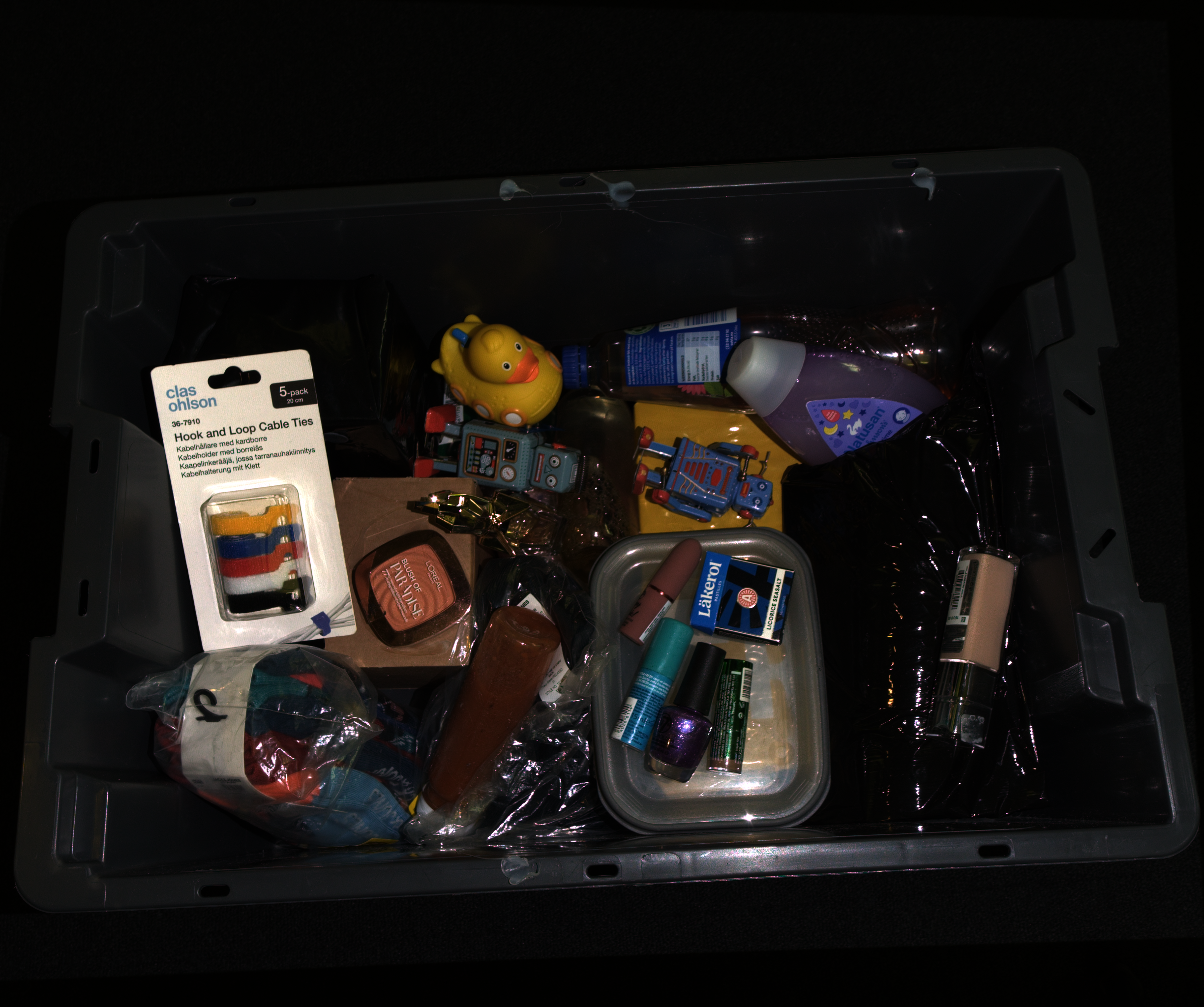 以线性 RGB 空间中表征的颜色。
镜头畸变
捕获返回的 2D 彩色图像是畸变的,即未针对相机的镜头畸变进行校正。这既适用于 2D 捕获(capture2D())返回的图像,也适用于从点云中提取的彩色图像(来自 capture2D3D() 或 capture3D())。因此,场景中的直线在图像中可能会显得略微弯曲,在边缘处最为明显。
3D 点云不受影响(在生成点云时已经考虑了镜头畸变)。为了保持 2D 图像与有序 3D 点云之间的 1:1 对应关系,2D 图像保持畸变状态。只有当您的应用依赖于 2D 图像的几何形状时,例如检测直线,畸变才会产生影响。在这种情况下,您可以使用相机内参对图像进行去畸变处理(参见 相机内参)。

const auto cameraIntrinsicsCV =
    use2D ? reformatCameraIntrinsics(Zivid::Experimental::Calibration::intrinsics(camera, settings2D))
          : reformatCameraIntrinsics(Zivid::Experimental::Calibration::intrinsics(camera, settings));
const auto distortionCoefficients = cameraIntrinsicsCV.distortionCoefficients;
const auto cameraMatrix = cameraIntrinsicsCV.cameraMatrix;

const auto size = bgr.size();
const auto optimalCameraMatrix =
    cv::getOptimalNewCameraMatrix(cameraMatrix, distortionCoefficients, size, 1, size);

cv::Mat bgrUndistorted;
cv::Mat bgrUndistortedFull;

cv::undistort(bgr, bgrUndistorted, cameraMatrix, distortionCoefficients);
cv::undistort(bgr, bgrUndistortedFull, cameraMatrix, distortionCoefficients, optimalCameraMatrix);
if use_2d:
    camera_matrix, distortion_coefficients = _reformat_camera_intrinsics(
        zivid.experimental.calibration.intrinsics(camera, settings_2d)
    )
else:
    camera_matrix, distortion_coefficients = _reformat_camera_intrinsics(
        zivid.experimental.calibration.intrinsics(camera, settings)
    )

size = (bgr.shape[1], bgr.shape[0])
optimal_camera_matrix = cv2.getOptimalNewCameraMatrix(camera_matrix, distortion_coefficients, size, 1, size)[0]

bgr_undistorted = cv2.undistort(bgr, camera_matrix, distortion_coefficients)
bgr_undistorted_full = cv2.undistort(bgr, camera_matrix, distortion_coefficients, None, optimal_camera_matrix)
2D 颜色输出格式
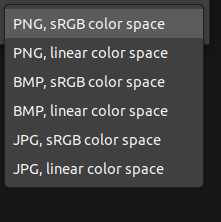
From Zivid Studio, you can save the color image (File → Save Color Image) in the following formats:
版本历史记录
SDK |
变更 |
|---|---|
2.17.0 |
新增对 Zivid 3 XL250 的支持。 |