Install Zivid on Windows
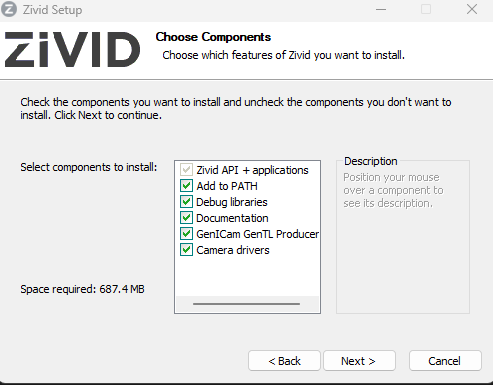
Download and run the latest Zivid Software installer.
If you are using HALCON, check the option to install GenICam GenTL Producer (Experimental).
Open Zivid Studio and check that no errors occur to verify that the installation was successful.
Note
If you run into issues, you may need to install or update GPU drivers.
Proceed to Network Configuration.