Zivid Studio - No Camera Found
Problem
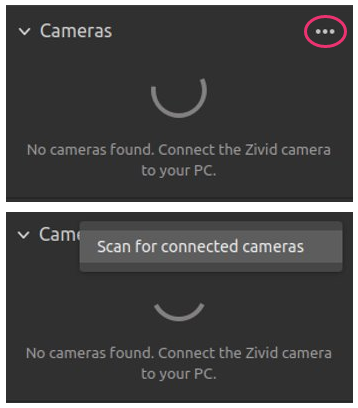
Zivid Studio is not able to connect to a camera, and outputs the following informative message:
Solution
Ensure that you have connected the camera properly to the PC.
Zivid One+
Confirm that you are connected to a USB 3.0 port and that the connector is tightly screwed in.
Zivid Two
Confirm your Zivid Two Network Configuration.
Scan for the connected cameras by pressing … followed by Scan for connected cameras.
If the previous step does not work, restart Zivid Studio.