Install Zivid on Windows
To install Zivid on Windows, download and run the Zivid installer, selecting the GPU compute backend that matches your GPU.
Download and run the latest Zivid Software installer.
Select the GPU compute backend to install, depending on the GPU you will use with Zivid.
GPU
CUDA
OpenCL
Intel
No
Yes
NVIDIA
Optimal
Yes

Note
If you install OpenCL on an NVIDIA GPU, the SDK will fail to start until you edit the Config.yml file to explicitly allow it. See NVIDIA Compute Devices Are Not Supported by the OpenCL Version for details.
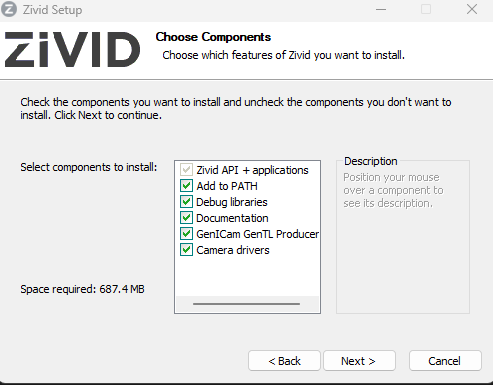
If you are using HALCON, check the option to install GenICam GenTL Producer (Experimental).
Caution
GenICam/HALCON support is experimental.
Open Zivid Studio and check that no errors occur to verify that the installation was successful.
Note
If you run into issues, you may need to install or update GPU drivers.
Proceed to Network Configuration.