NVIDIA Driver Ubuntu
Add the NVIDIA GPU driver PPA to your system:
Open a terminal window by pressing Ctrl + Alt + T keys on the keyboard.
Add the graphics-driver PPA:
sudo add-apt-repository ppa:graphics-drivers/ppa
Adding the PPA prints the current long-lived branch release driver package name, e.g.
nvidia-xxx.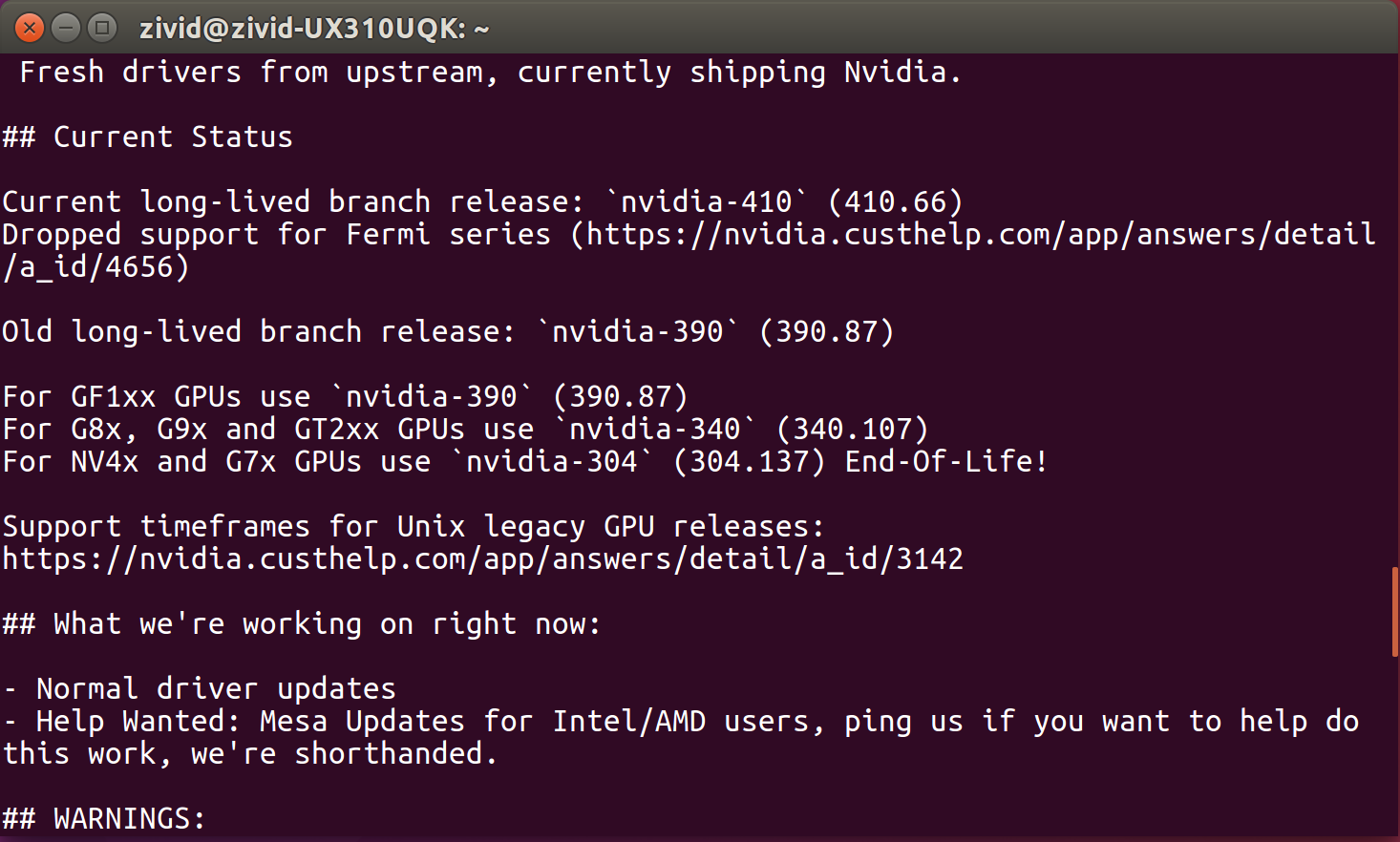
Install the current latest drivers for your system:
Ubuntu 26.04
sudo apt update
sudo apt install nvidia-driver-xxx
Ubuntu 24.04
sudo apt update
sudo apt install nvidia-driver-xxx
Ubuntu 22.04
sudo apt update
sudo apt install nvidia-driver-xxx
Ubuntu 20.04
sudo apt update
sudo apt install nvidia-driver-xxx
Ubuntu 18.04
Note
Support for Ubuntu 18.04 is removed since SDK 2.10. To see Ubuntu 18.04 instructions for an earlier SDK version, change the Knowledge Base version in the top left corner.
After installing the driver, restart your system:
sudo rebootOpen Zivid Studio and verify that you do not get OpenCL errors.
Note
If you get OpenCL errors, add your user to group Video.